BlogHeyPCB MCP

Your Agent Can Now Build Hardware.

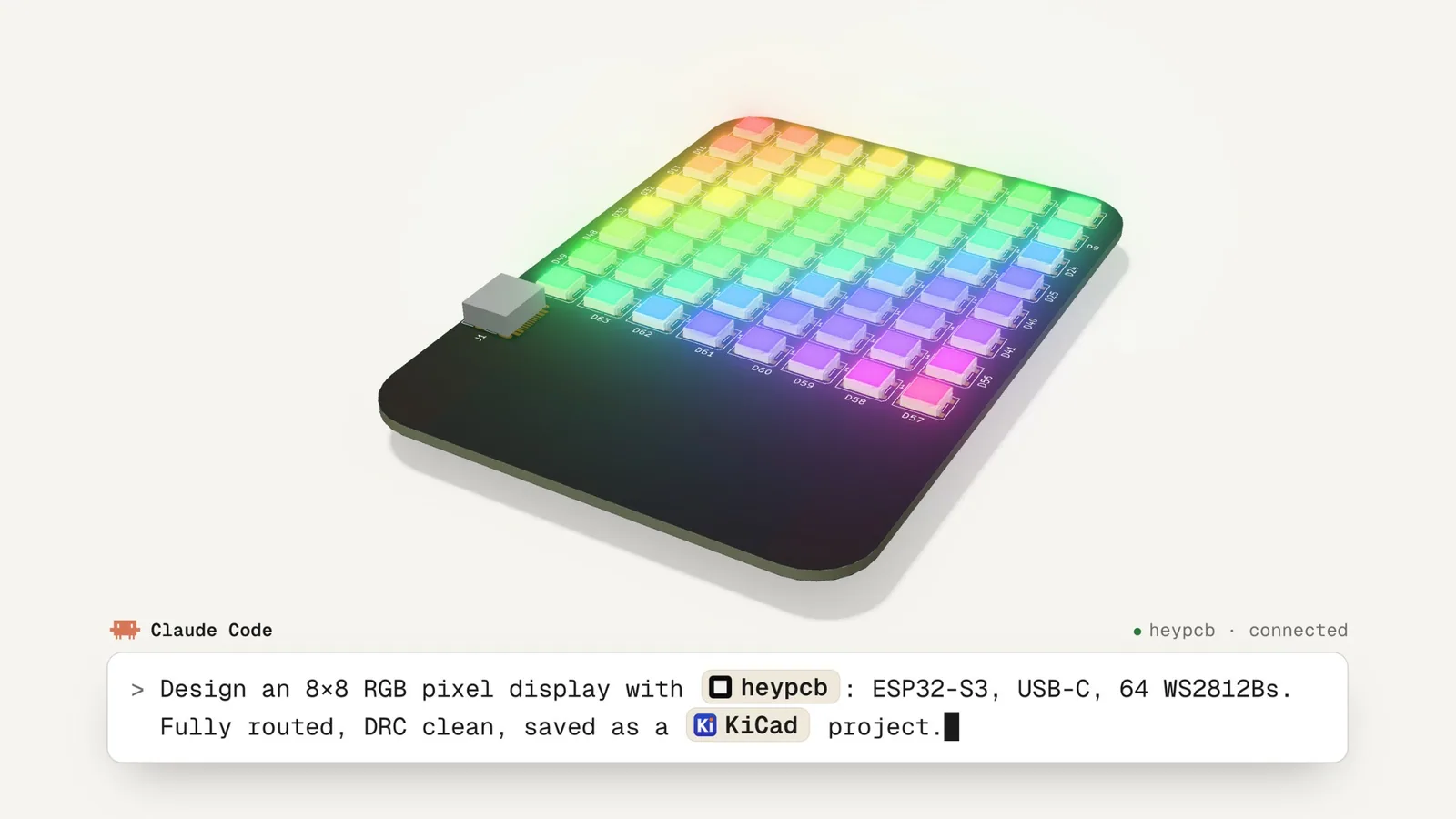
HeyPCB MCP lets AI agents design schematics, place parts, route boards, and export KiCad projects. Claude Code used it to build a routed 8×8 RGB display.
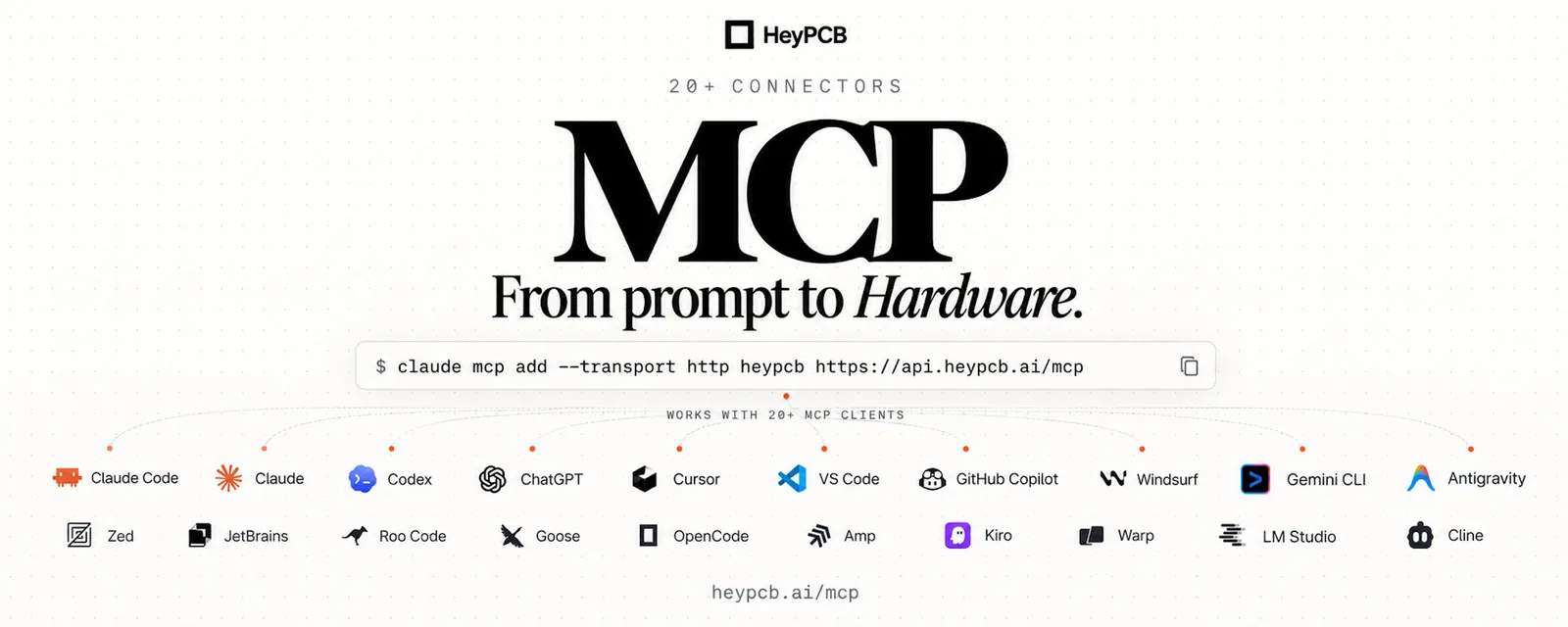
HeyPCB graphic reading MCP, From prompt to Hardware, with a Claude MCP add command and logos of 20+ MCP clients.

Coding agents can write firmware. But designing the circuit board it runs on has usually been a separate job.

We’re launching HeyPCB MCP to change that. It lets AI agents use HeyPCB to design schematics, place parts, route circuit boards, check their work, export real KiCad projects, and even design custom enclosures.
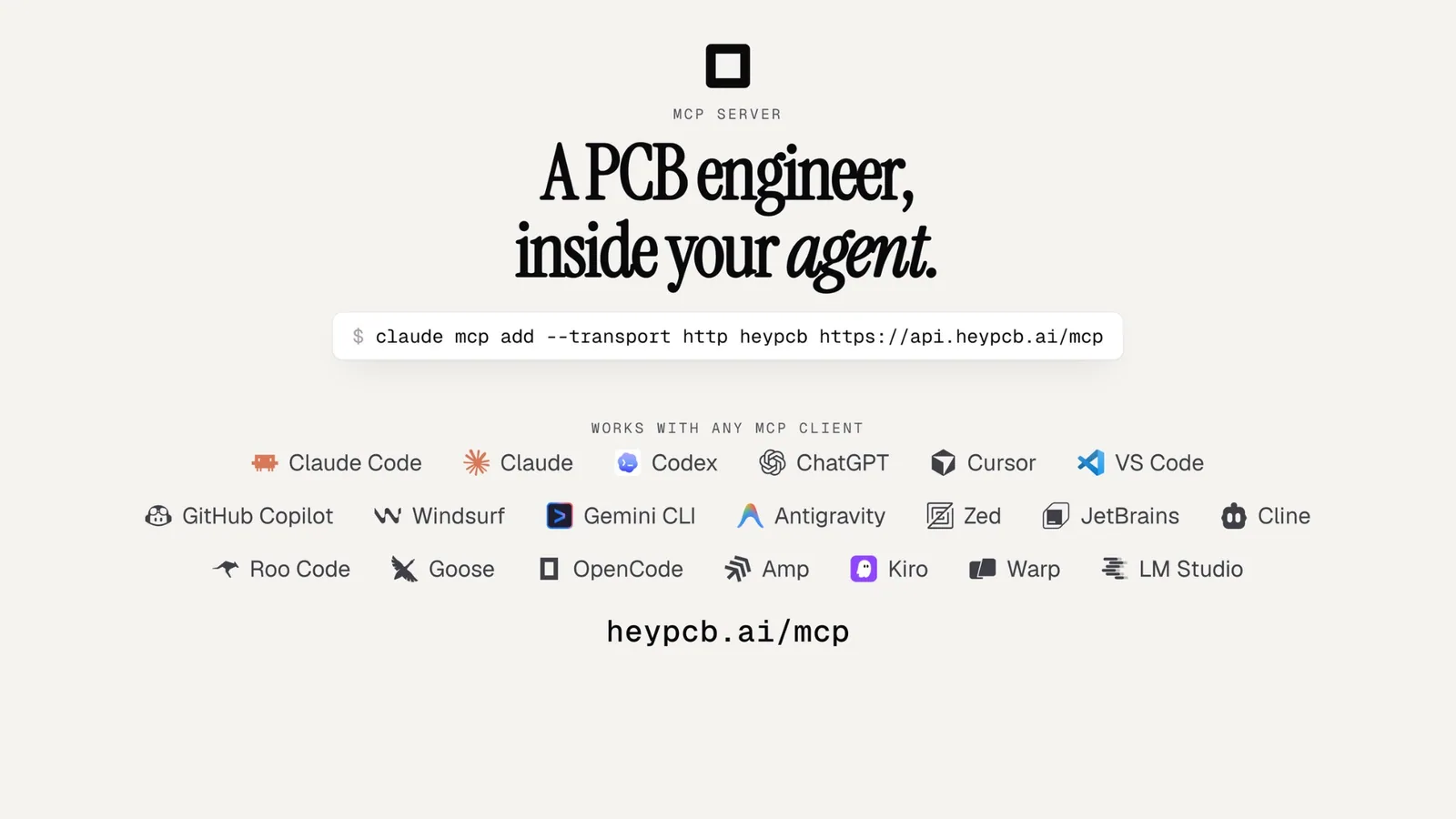
MCP server screen saying A PCB engineer, inside your agent, plus the Claude MCP add command and many client logos.

We tried it with Claude Code.

A rendered 8×8 RGB LED board above a Claude Code prompt asking HeyPCB for an ESP32-S3, USB-C, 64 WS2812B KiCad project.

HeyPCB drew the schematic, placed 145 components on a two-layer board, routed the connections, and poured the ground planes
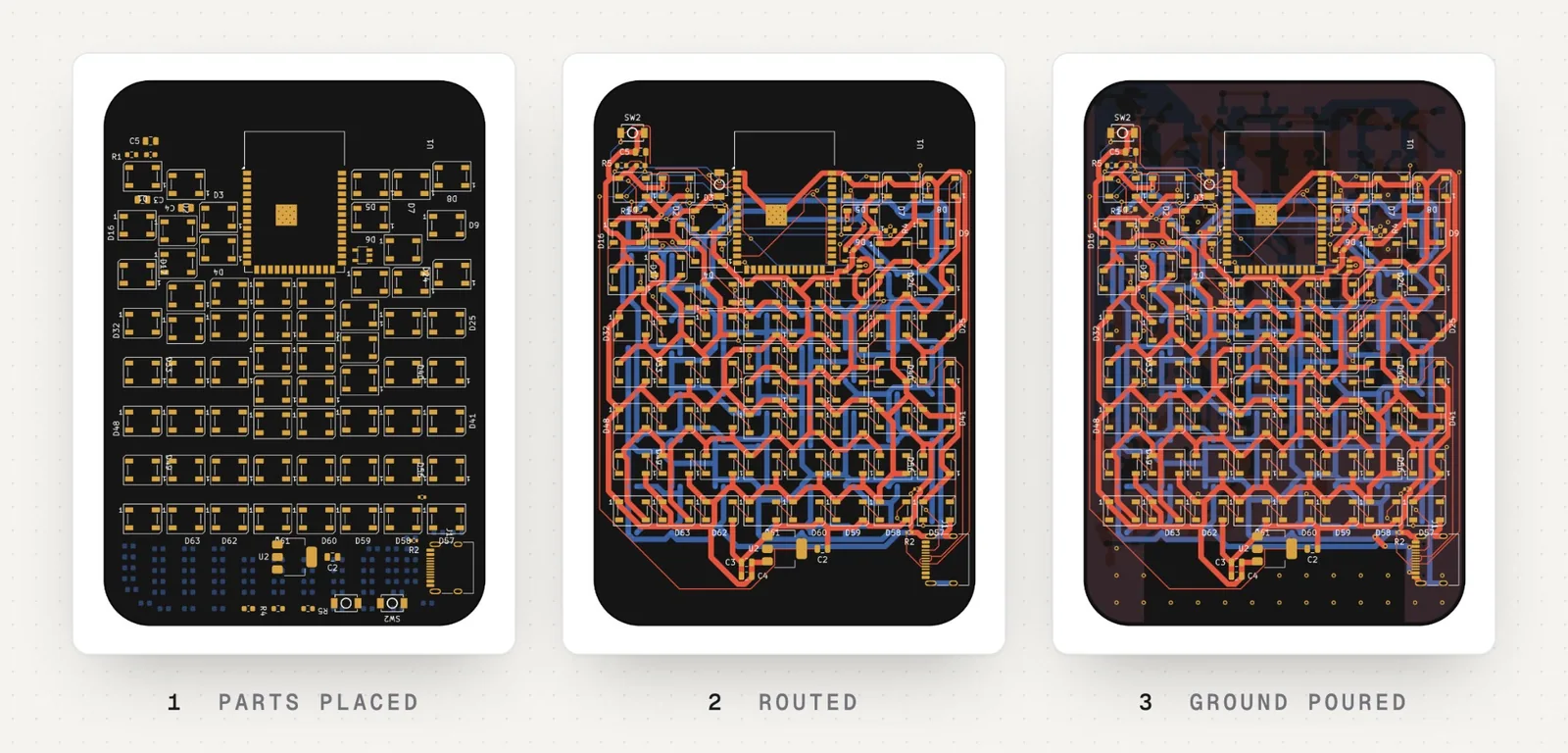
Three PCB layouts labeled 1 parts placed, 2 routed, and 3 ground poured.

The interesting part came next. The first layout wasn't quite right. The LEDs weren't in a clean grid, and the ESP32 module was in the middle of the display.

Claude Code inspected the board and asked HeyPCB to put all 64 LEDs on an exact 8 mm grid, move the supporting parts to the back, and route it again.
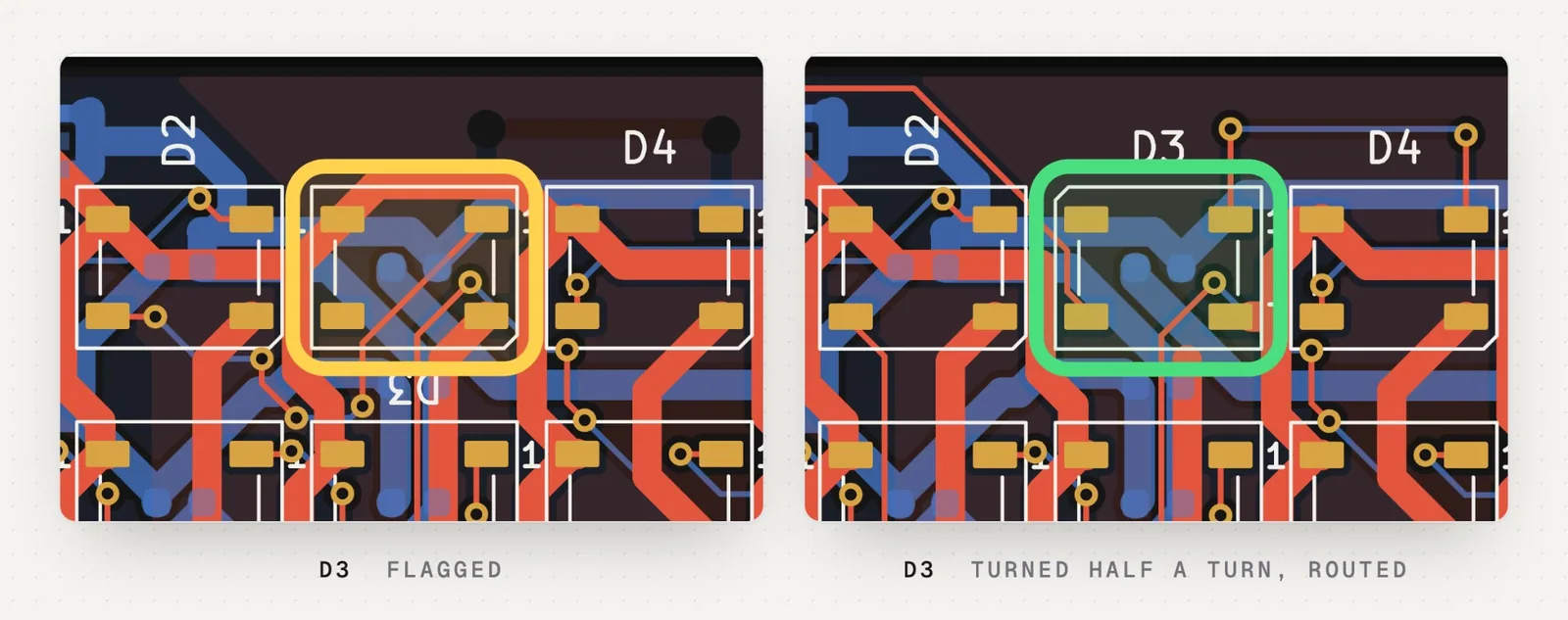
Two PCB closeups: D3 flagged, then D3 turned half a turn and routed, beside D2 and D4.

One connection still wouldn't route. The problem was a single LED: D3's data-out pad faced away from the next LED.

The agent rotated D3 by 180 degrees and rerouted the connection.
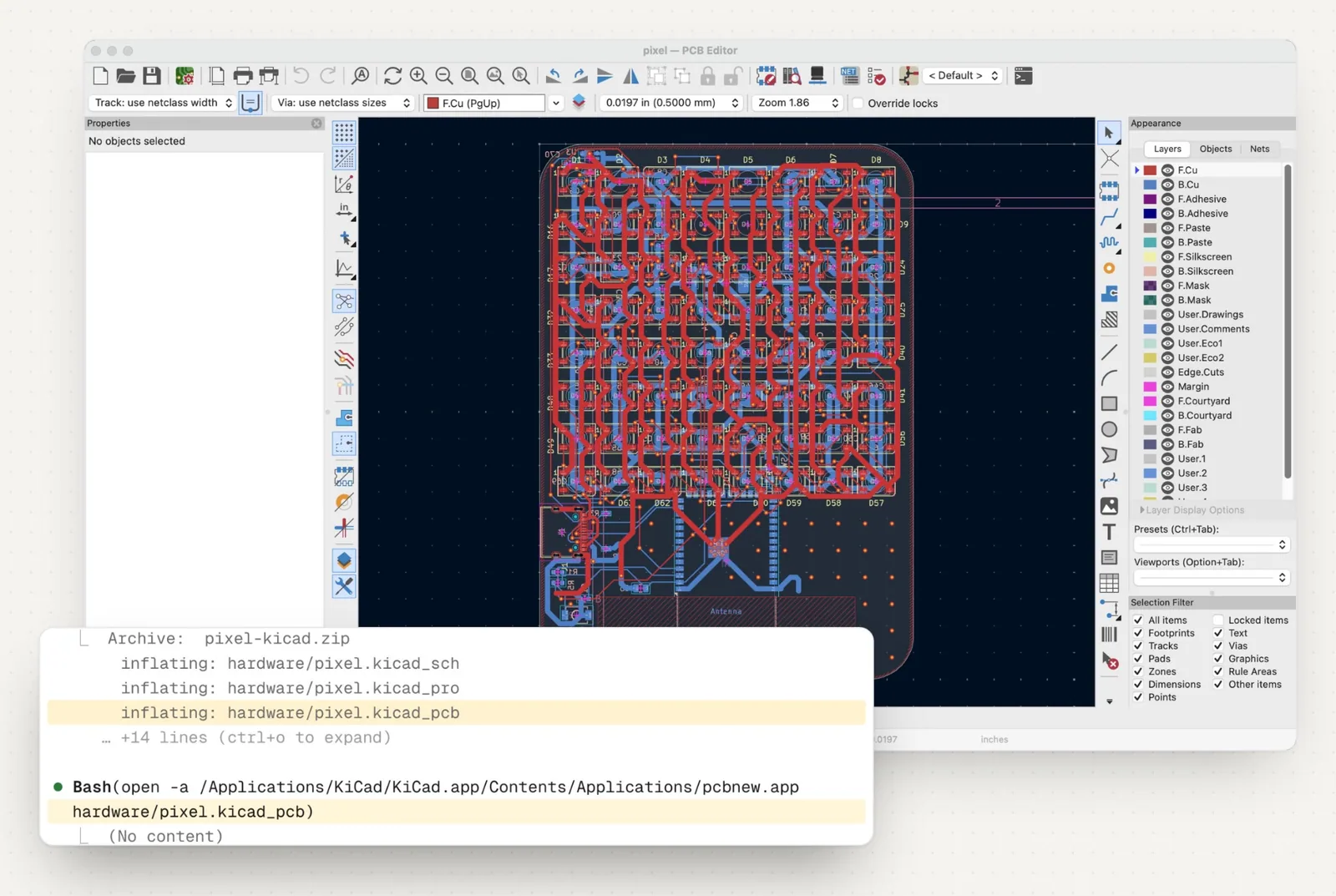
KiCad PCB Editor open on the pixel board layout, with a terminal inflating pixel-kicad.zip and opening pixel.kicad_pcb.

The result: 0 DRC errors. 0 ERC errors. No unconnected nets.

And it wasn't just a render. Claude Code exported the files, downloaded them, and opened the project in KiCad. KiCad's own design rule check also reported zero errors.
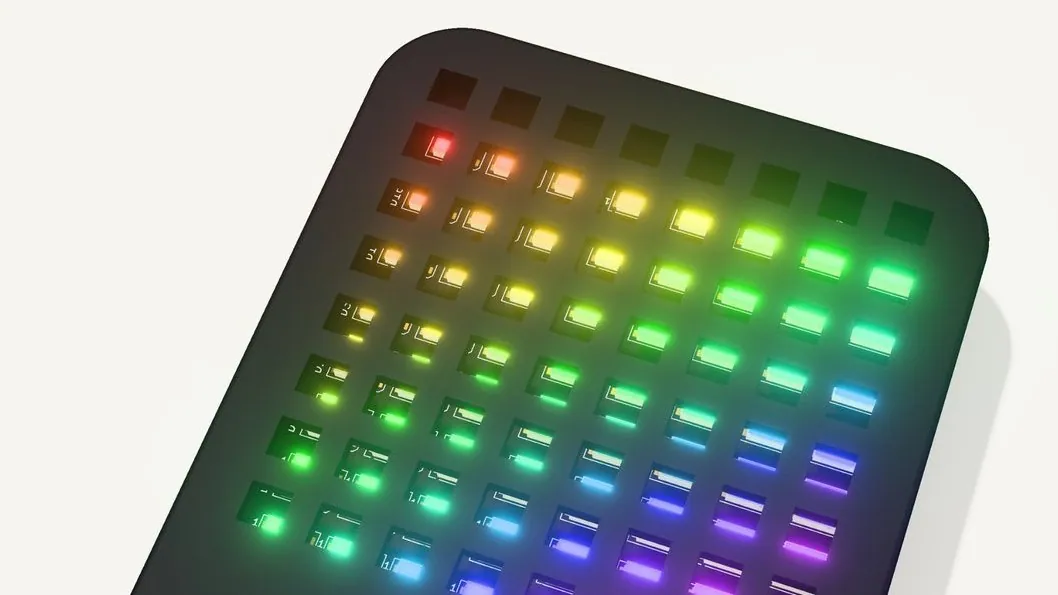
Close-up of the RGB pixel display with square LEDs glowing red, yellow, green, blue, and purple.

From circuit design to a fully routed PCB, working firmware, and a custom enclosure. All through your AI agent.

HeyPCB MCP works with Claude Code, Codex, Cursor, ChatGPT, and other MCP clients.

Connect Claude Code with one command: claude mcp add --transport http heypcb [https://api.heypcb.ai/mcp](https://api.heypcb.ai/mcp)
heypcb.ai/mcp

Topics

  • HeyPCB MCP
  • Claude Code design PCB
  • HeyPCB KiCad project export
  • MCP server PCB design
  • AI agent route circuit board
  • 8x8 RGB WS2812B KiCad
  • prompt to hardware PCB

Share

First published on X

More posts

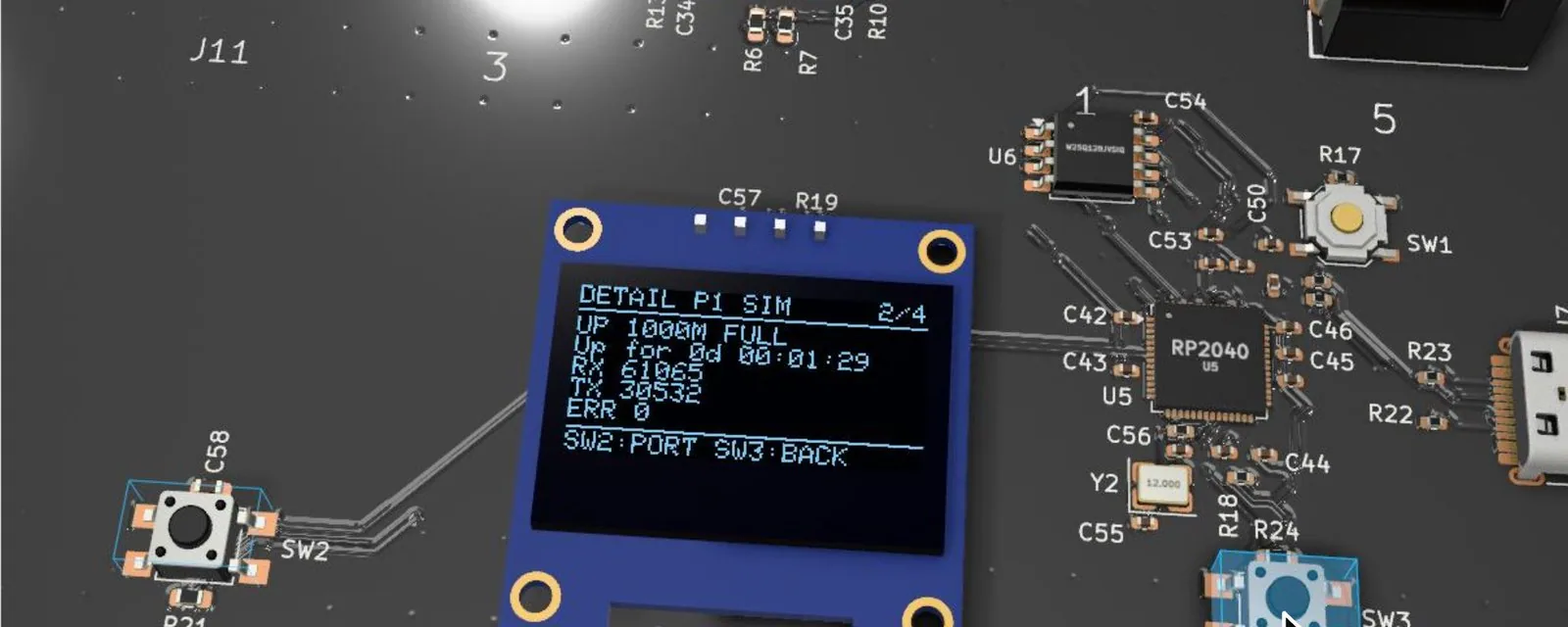
A close-up of the 3D board shows the OLED on port 1 detail beside an RP2040, switches and a USB connector.five-port gigabit switch OLED firmware

See a network switch come alive before it exists

See a five-port gigabit switch's OLED firmware run on its 3D board in the browser, with buttons and a serial console, before it is made.

HeyPCB3 min
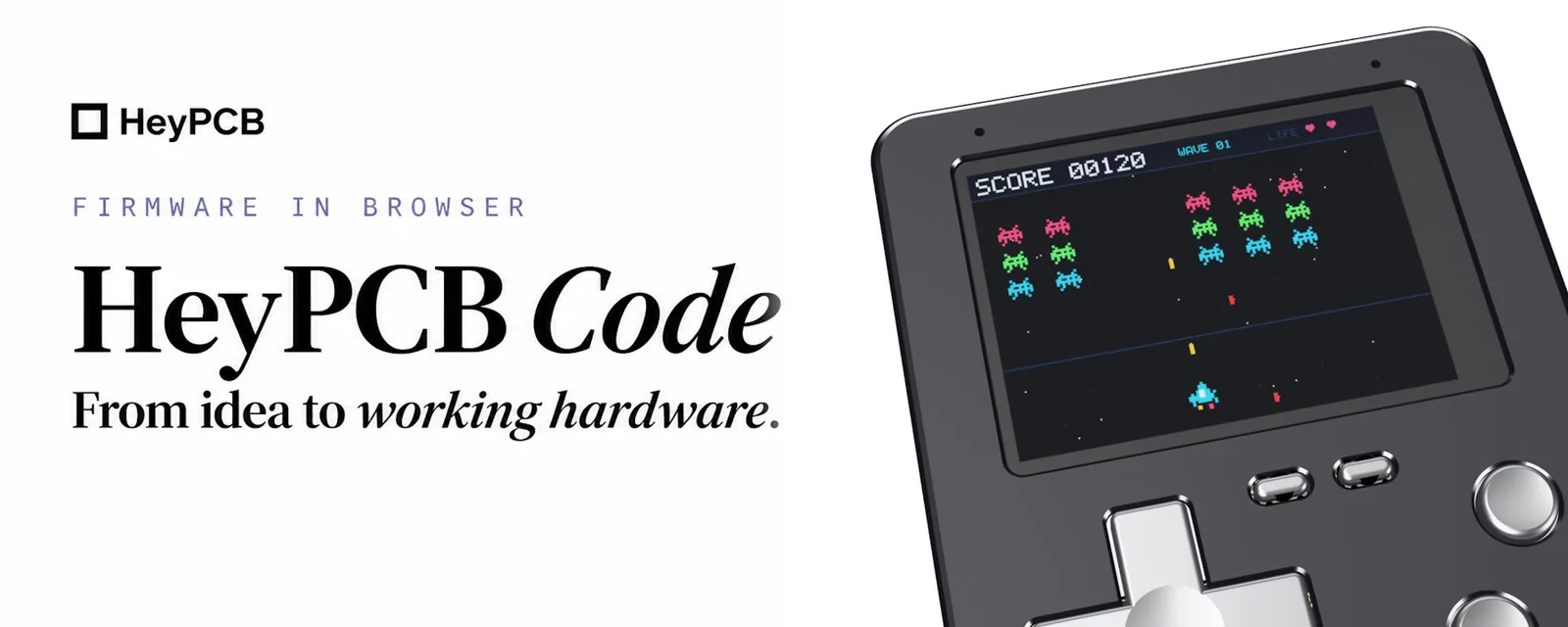
HeyPCB Code title beside a black handheld whose screen shows a pixel space shooter.HeyPCB Code

From Prompt to Working Firmware

HeyPCB brings firmware into the browser: design a handheld, then write, simulate, and flash six games for the same board.

HeyPCB1 min
Exploded HeyPCB Memo with an anodised aluminium shell, an all-in-one PCB, battery space, and a five-screw back plate.HeyPCB Memo

We Built Pocket, but Better.

HeyPCB Memo rethinks Pocket as one 52 × 28 mm board in an editable aluminum shell, with open-source PCB, CAD, and firmware to build on.

HeyPCB2 min