BlogHeyPCB Code

From Prompt to Working Firmware

HeyPCB brings firmware into the browser: design a handheld, then write, simulate, and flash six games for the same board.
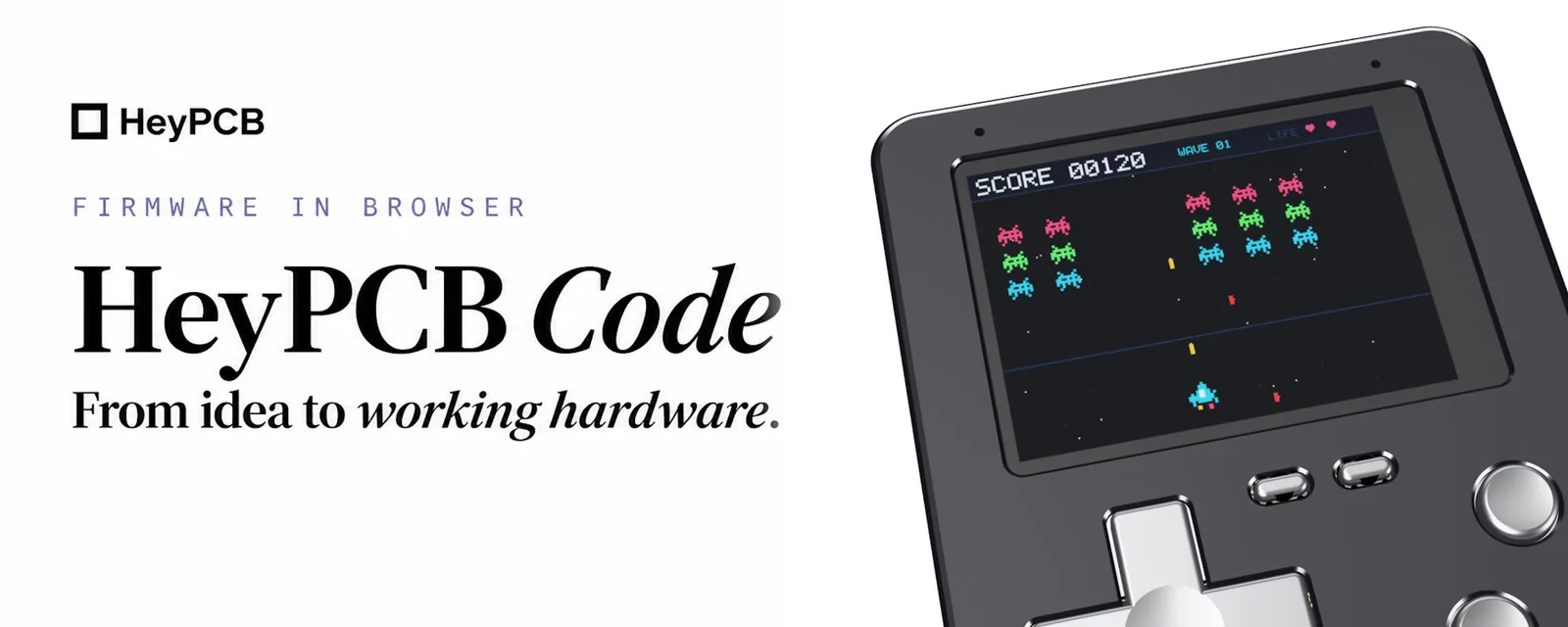
HeyPCB Code title beside a black handheld whose screen shows a pixel space shooter.

The next thing you build in your browser doesn’t have to be a website.

It could be something you hold in your hands. With its own electronics, an enclosure you designed, and software that makes it yours.
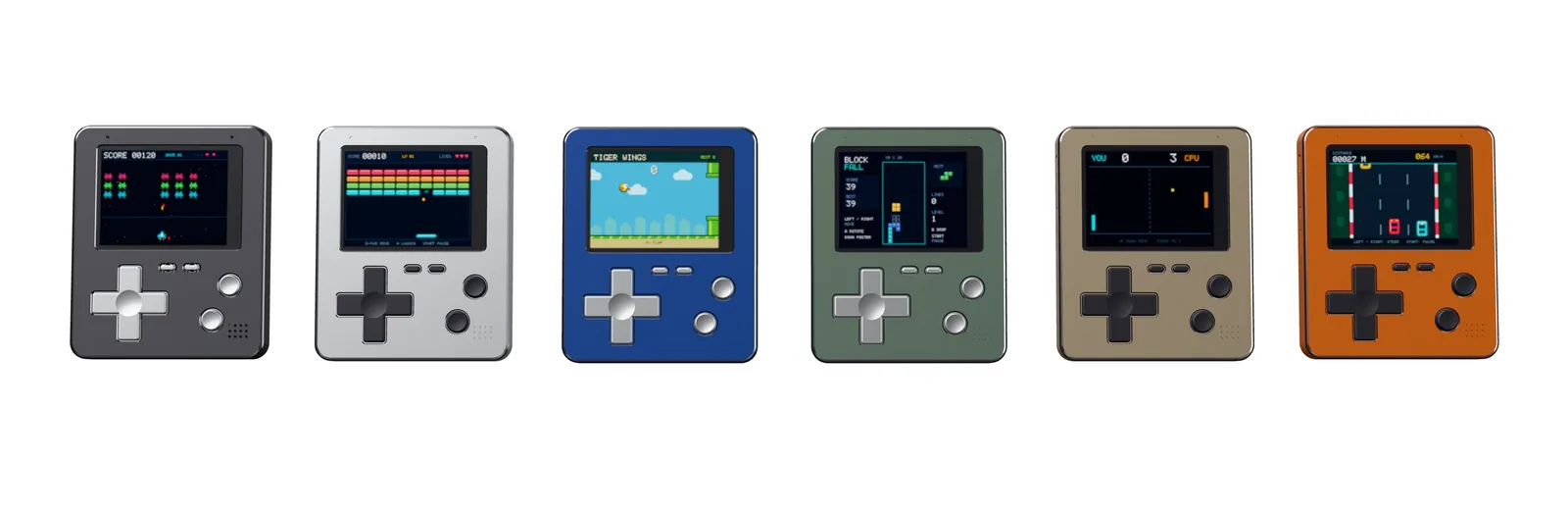
Six handheld consoles in dark, silver, blue, green, gold, and orange, each with a different game.

HeyPCB now brings firmware into the same place you design the hardware. Describe what you want to build, develop the electronics and enclosure with Inky, and write, compile, and simulate the code that makes it work. All in your browser
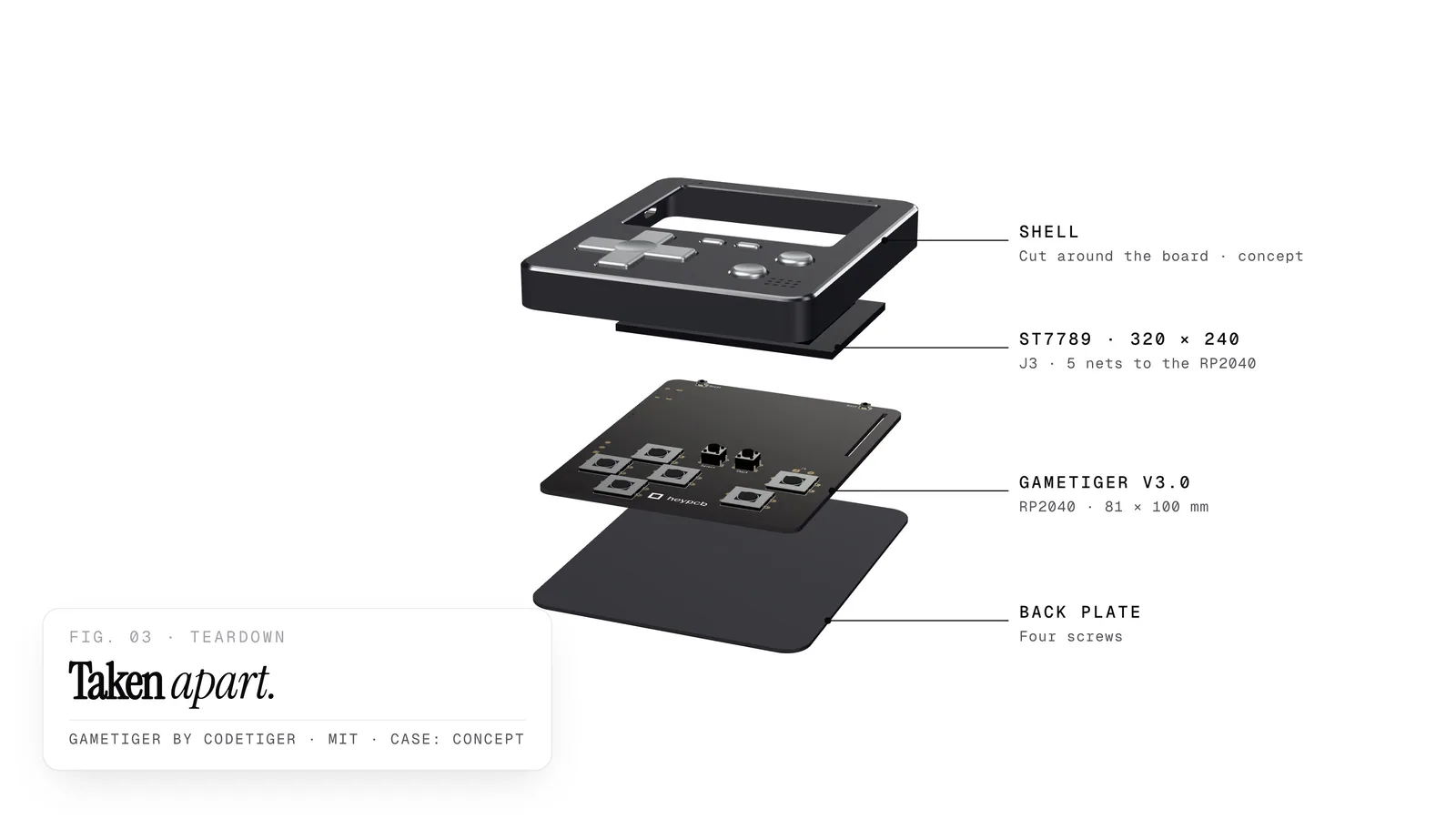
Concept teardown of a GameTiger console, with shell, ST7789 display, RP2040 board, and back plate.

For this launch, we explored what that means with a handheld console. A prompt asking for an RP2040, a colour display, and an aluminium case became a schematic, a routed PCB, and an enclosure designed around the electronics.
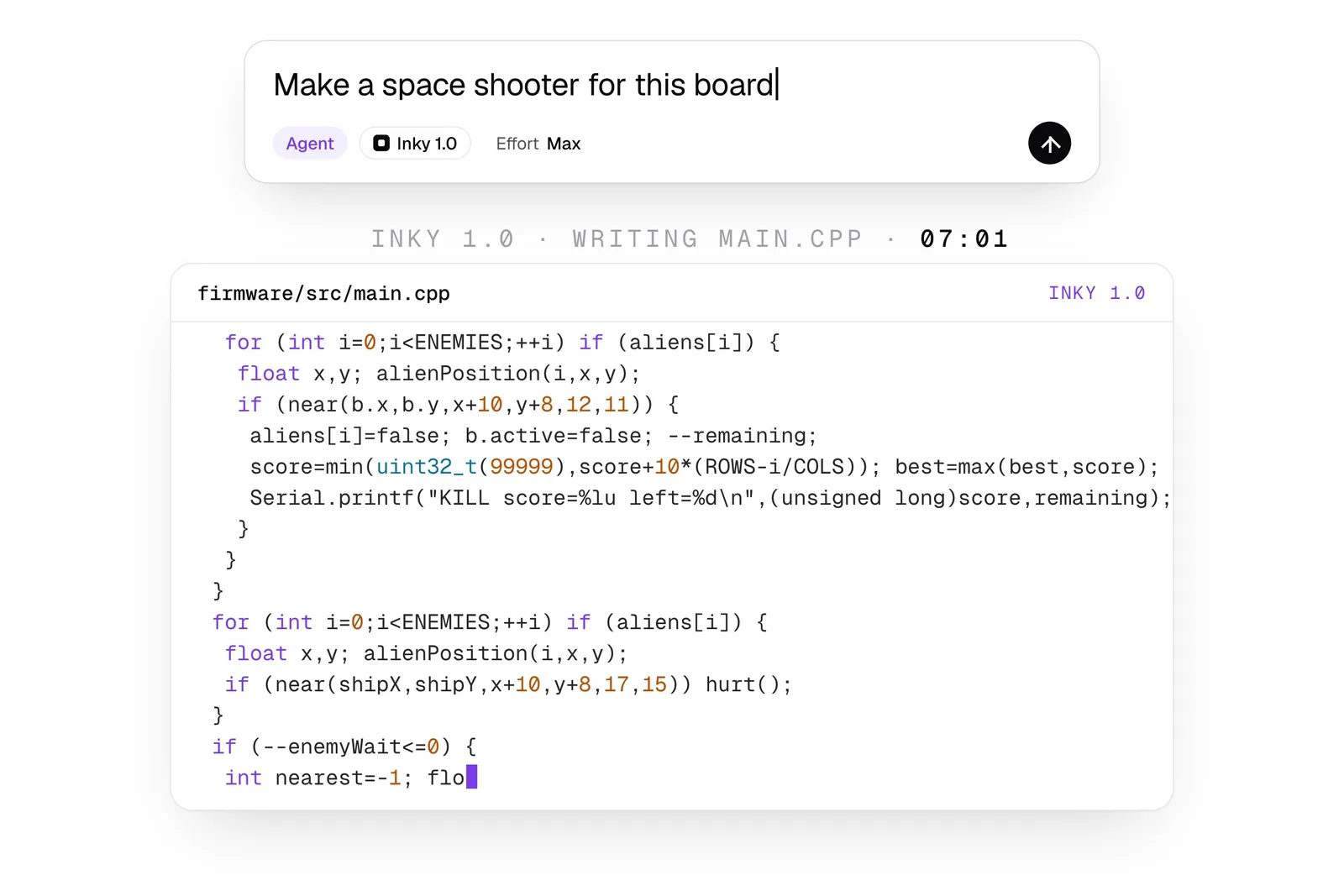
Inky 1.0 writing main.cpp after a prompt to make a space shooter for this board.

But the shape of a device is only half its identity. The same screen and buttons can become entirely different experiences depending on the code running inside.
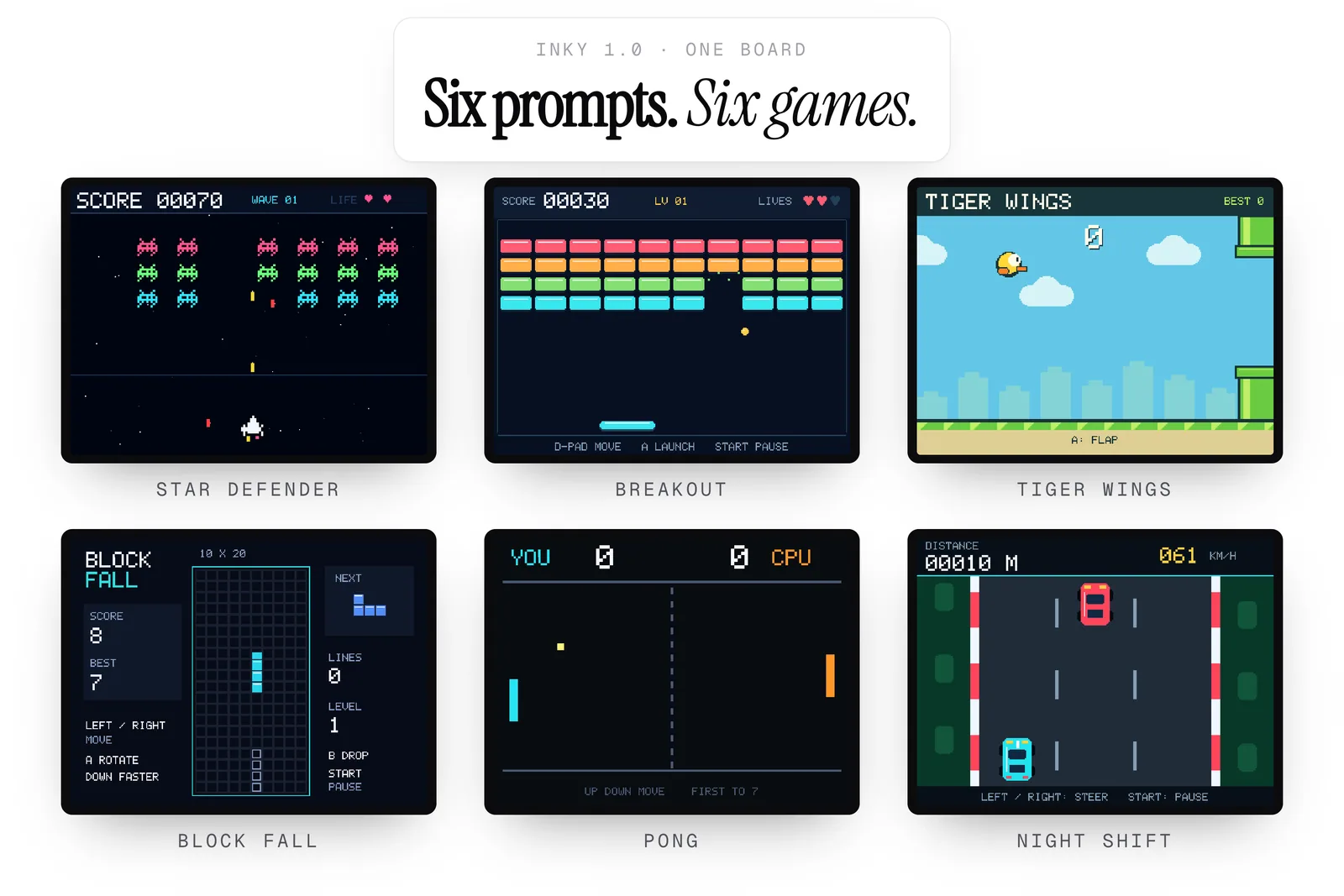
Six game screens on one board: Star Defender, Breakout, Tiger Wings, Block Fall, Pong, and Night Shift.

We asked Inky to write six different games for an existing handheld console. It read the board’s connections, worked out how the display and controls were wired, and generated firmware for that hardware.

Six prompts. Six games. The same circuit board.

Then we played in the browser.
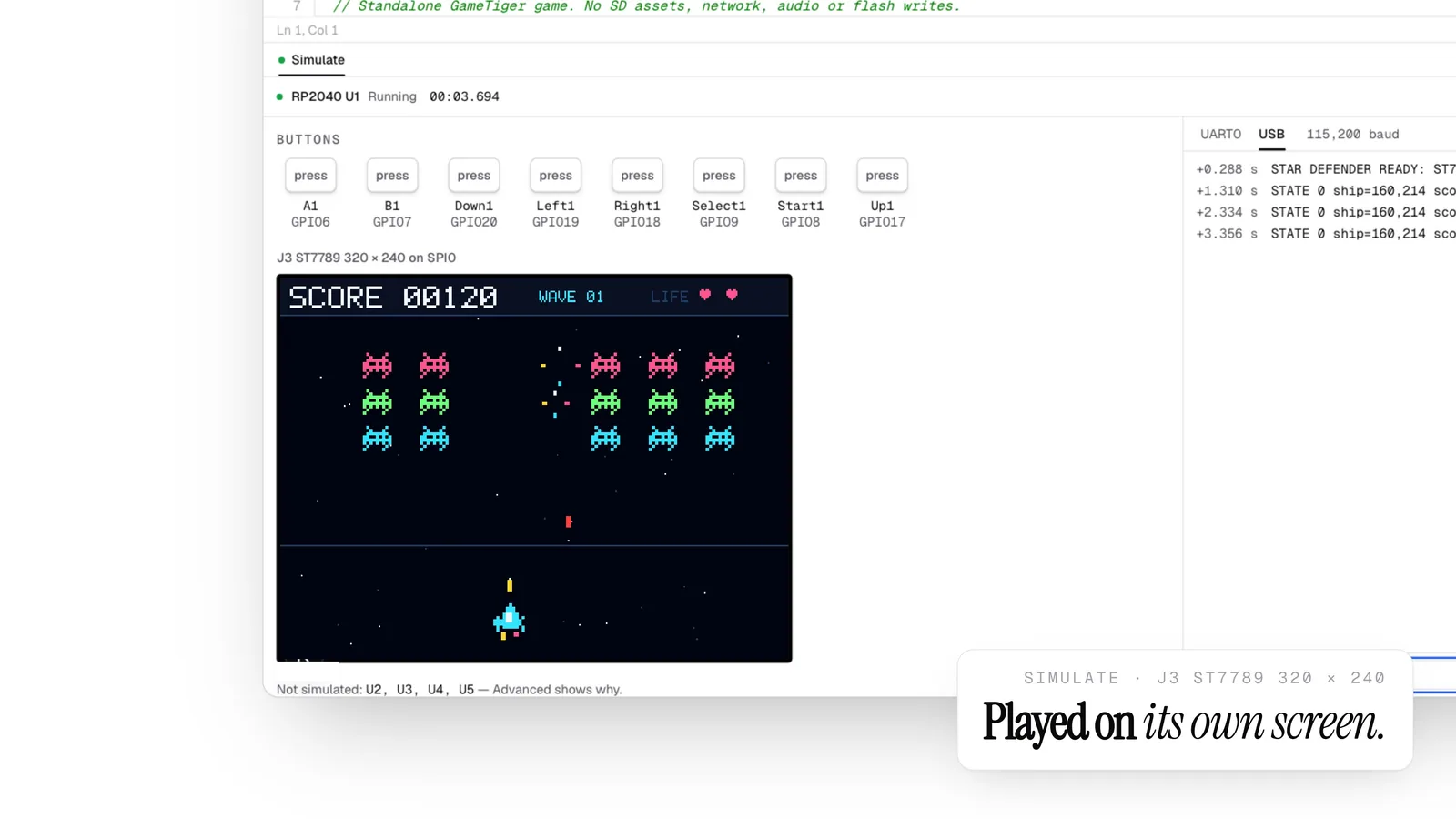
Browser simulator running Star Defender on the board display, with button presses and a serial log.

Inside HeyPCB Code, Star Defender runs on the board’s simulated display and responds to its button inputs. You can inspect the source, interact with the game, and build a UF2 file to flash onto the physical board.

You don’t have to wait for the hardware to arrive before starting to explore what it can do.
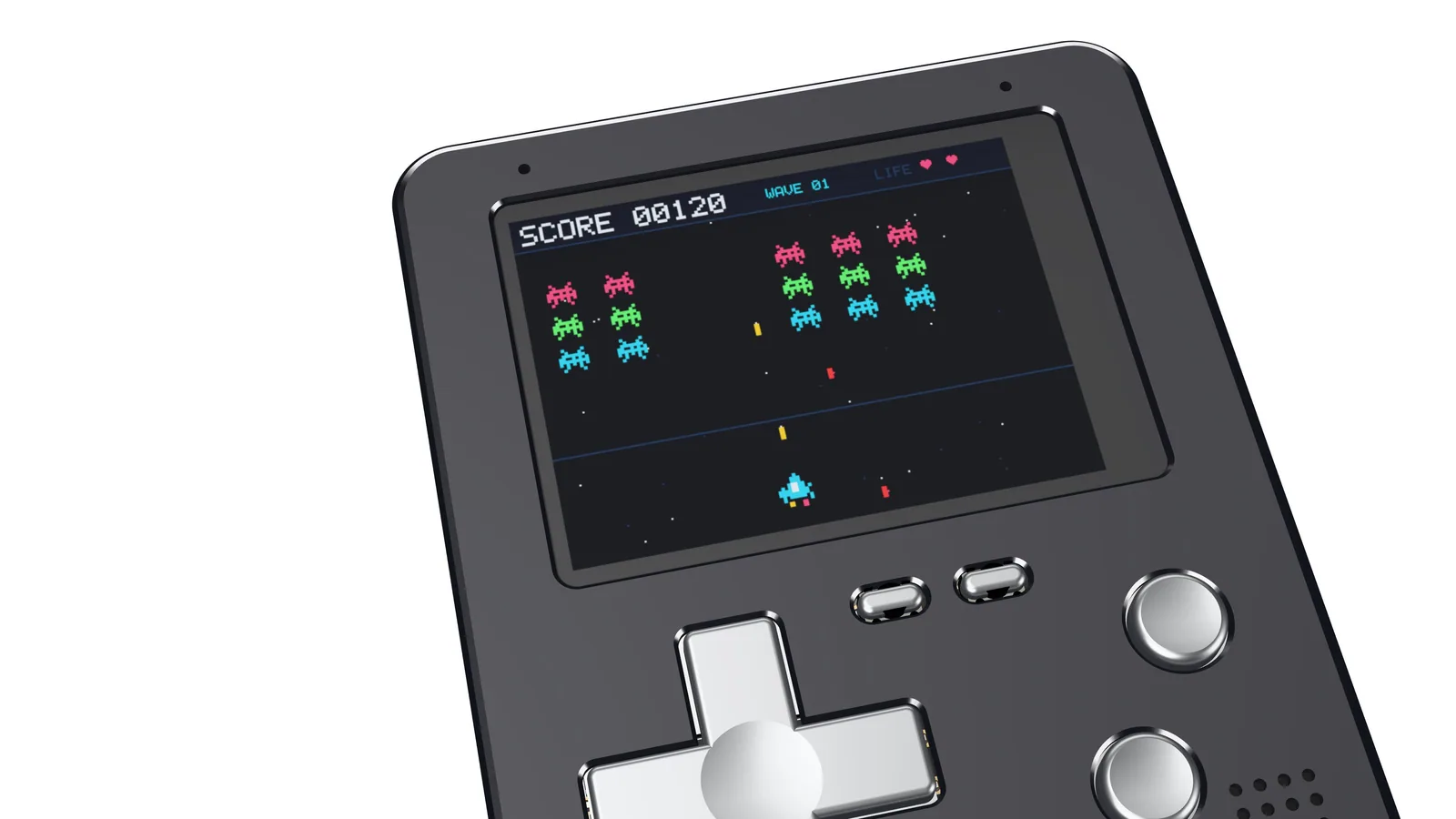
Close-up of a black handheld playing a space game, showing the screen, D-pad, and round buttons.

We believe making hardware should be as accessible as making software. That means going beyond designing a board to helping people create the complete device they imagined.

The next device you use could be one you built.

Start building with HeyPCB. Free AI credits are available.
Topics

  • HeyPCB Code
  • firmware in browser
  • Inky 1.0 firmware
  • RP2040 handheld from a prompt
  • six prompts six games
  • simulate firmware in browser
  • UF2 file to flash a board

Share

First published on X

More posts

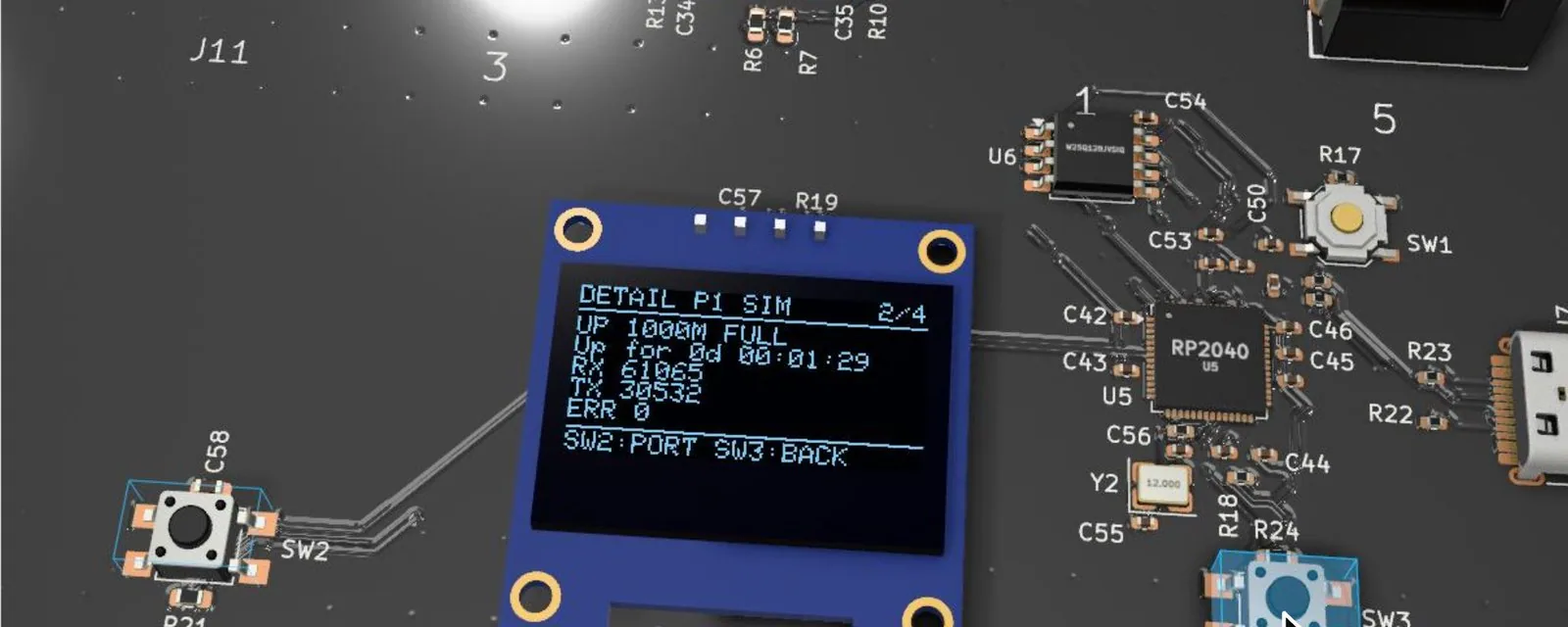
A close-up of the 3D board shows the OLED on port 1 detail beside an RP2040, switches and a USB connector.five-port gigabit switch OLED firmware

See a network switch come alive before it exists

See a five-port gigabit switch's OLED firmware run on its 3D board in the browser, with buttons and a serial console, before it is made.

HeyPCB3 min
Exploded HeyPCB Memo with an anodised aluminium shell, an all-in-one PCB, battery space, and a five-screw back plate.HeyPCB Memo

We Built Pocket, but Better.

HeyPCB Memo rethinks Pocket as one 52 × 28 mm board in an editable aluminum shell, with open-source PCB, CAD, and firmware to build on.

HeyPCB2 min
HeyPCB banner for Image to PCB, with Build without Limits and five boards shown beside small reference photos.Joule Thief Cat PCB from photos

The Freedom to Build Without Limits.

Give Inky a photo and describe what you want. It drafts a schematic, selects components, and generates a PCB layout you can inspect and change.

HeyPCB1 min