Blogopen-source hardware

We built a map of open-source hardware

heypcb Explore puts 11,000+ open-source boards on one map. Zoom out to see categories, zoom in to the boards people built, and open any of them.
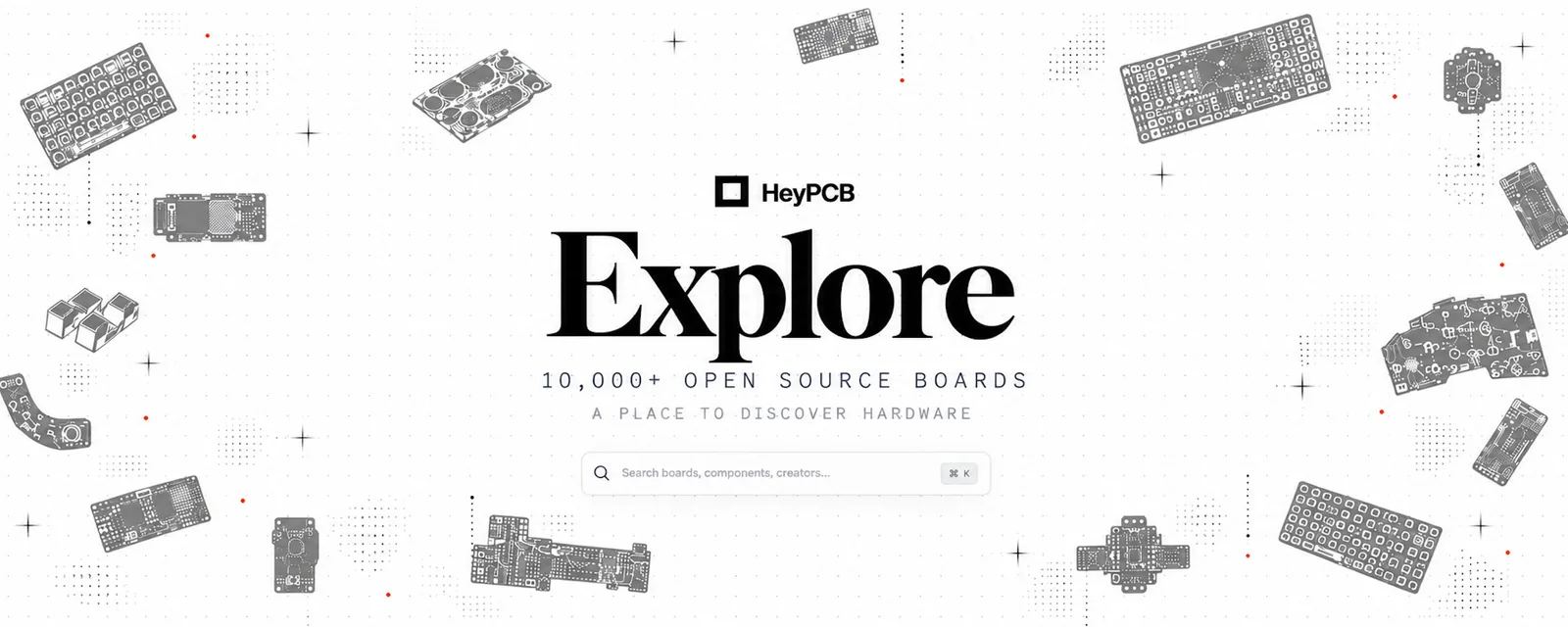
heypcb Explore — 10,000+ open source boards, a place to discover hardware — surrounded by drawings of the boards.

There are thousands of incredible open-source hardware projects scattered across the internet.

But discovering them still feels like searching through repositories. You usually need to already know what you’re looking for.

We wanted to change that.

So we built HeyPCB Explore.
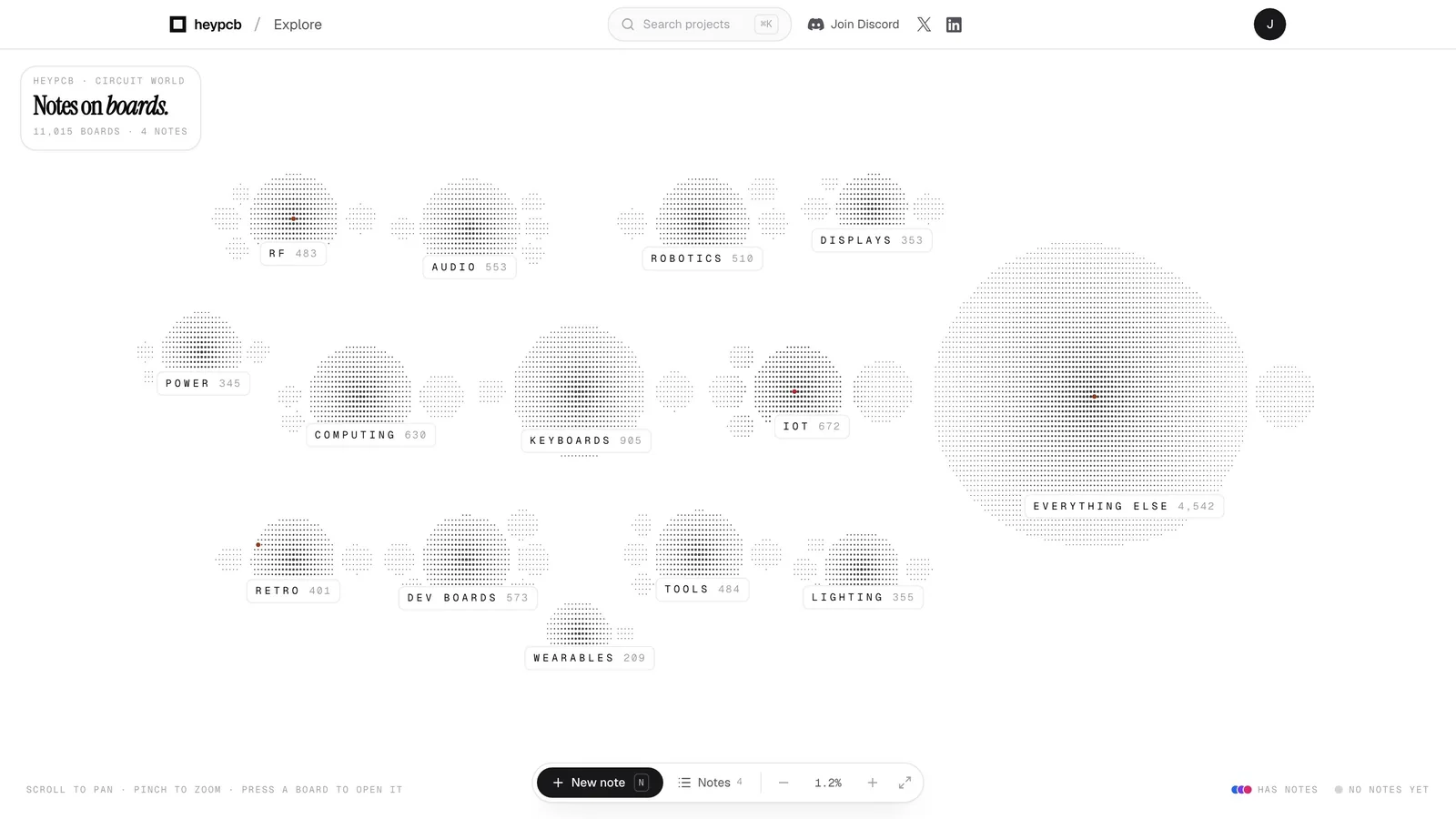
Explore zoomed out: Circuit World as a map of categories — RF, audio, robotics, displays, power, computing, keyboards, IoT, retro, dev boards, tools, lighting, wearables and everything else.

11,000+ boards. One map.

Instead of another directory, Explore turns Circuit World into a map. Zoom out and you can see entire categories of hardware. Zoom in and those categories turn into the actual boards people have built.
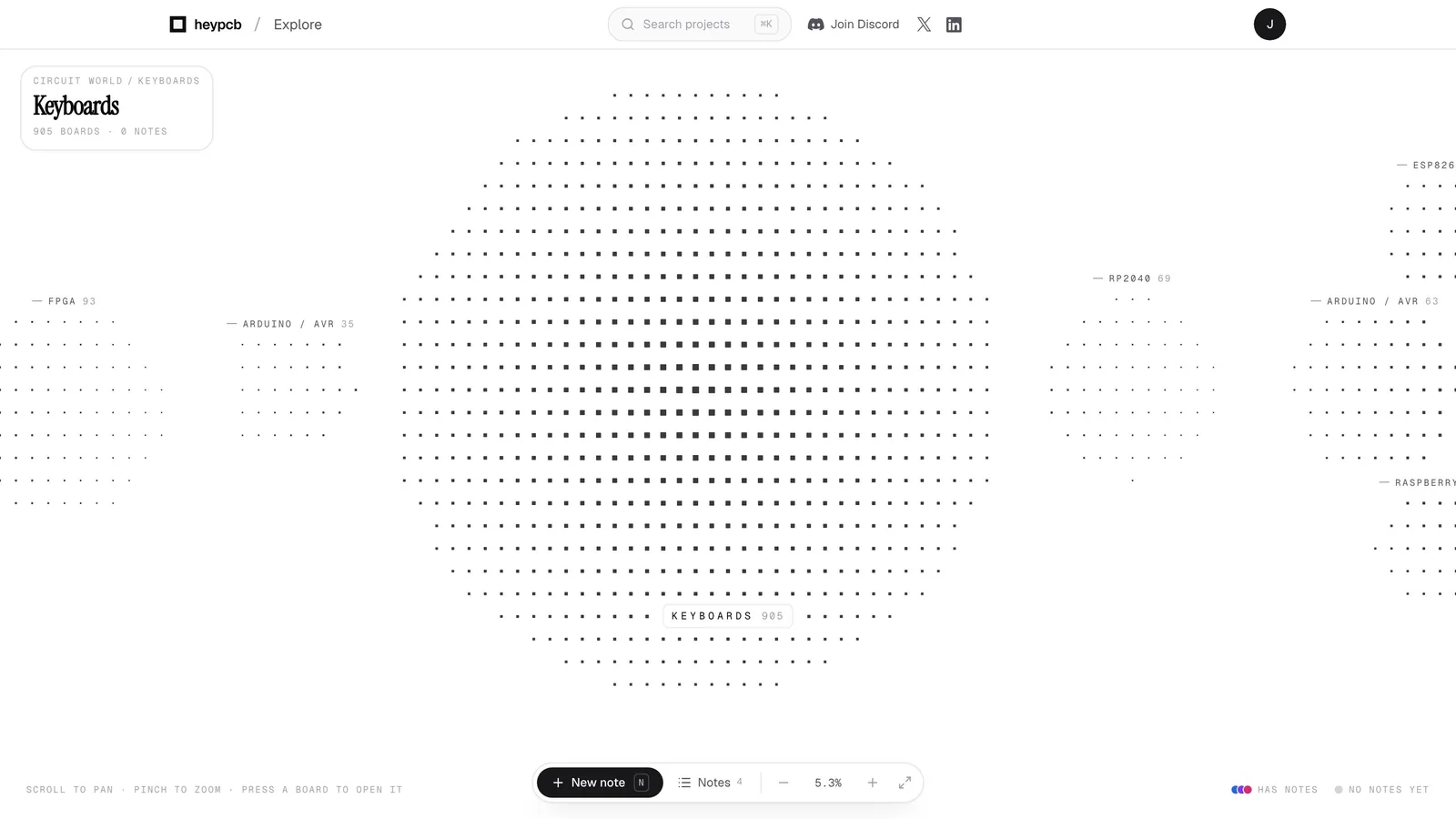
Explore zoomed into the Keyboards region, with its neighbouring groups such as FPGA, RP2040 and Arduino / AVR around it.

Every board has a place in the map. Keyboards, robotics, RF, audio, displays, power, wearables, dev boards, retro hardware, and thousands of projects that don’t fit neatly into a category.

The deeper you go, the more there is to discover.
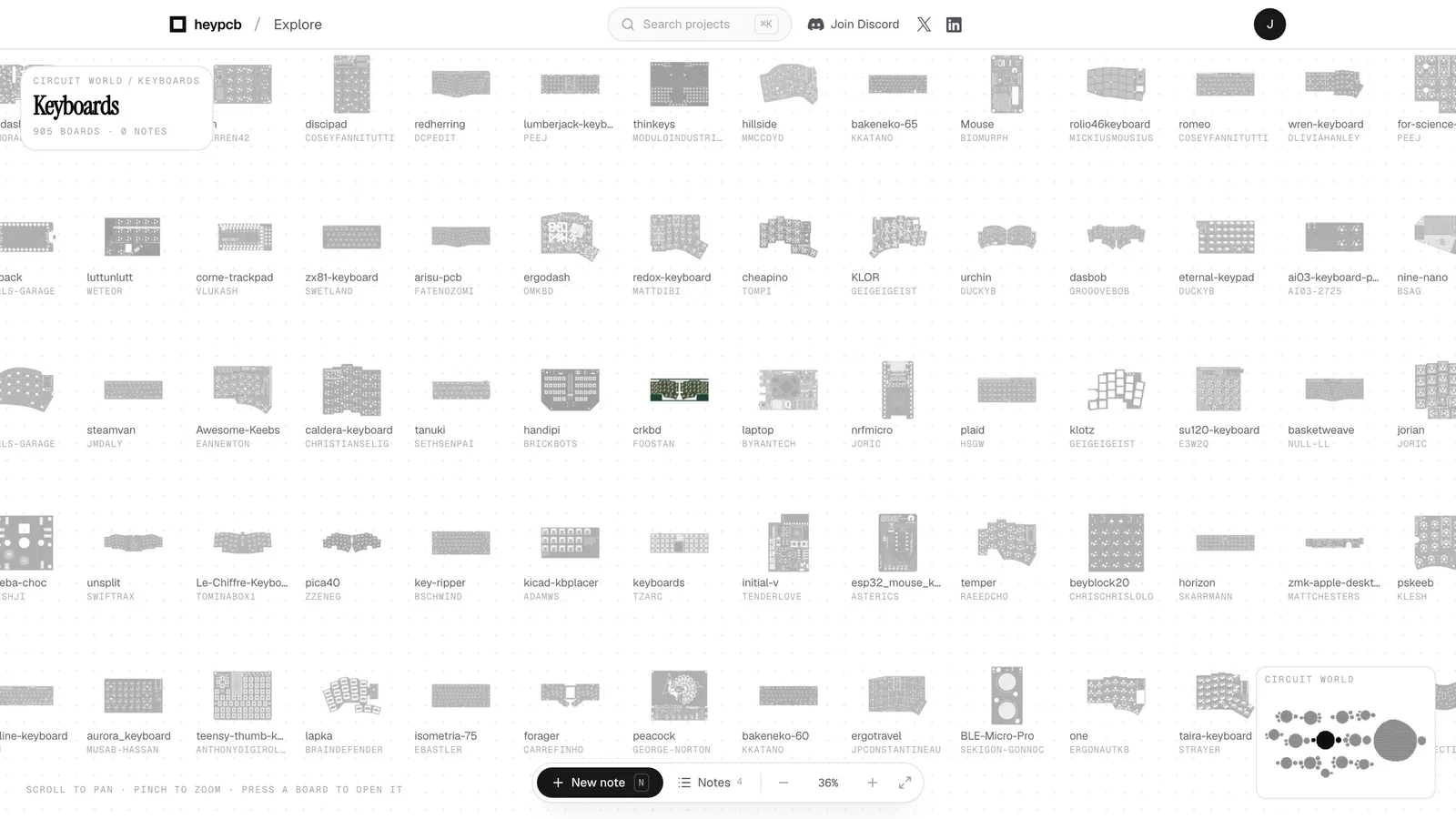
Explore zoomed all the way into Keyboards: a grid of real keyboard PCBs, each labelled with its name and builder.

Every project is a real board you can open and explore. Click one and you can see the PCB, who built it, its dimensions, parts, and where it came from without leaving Explore.
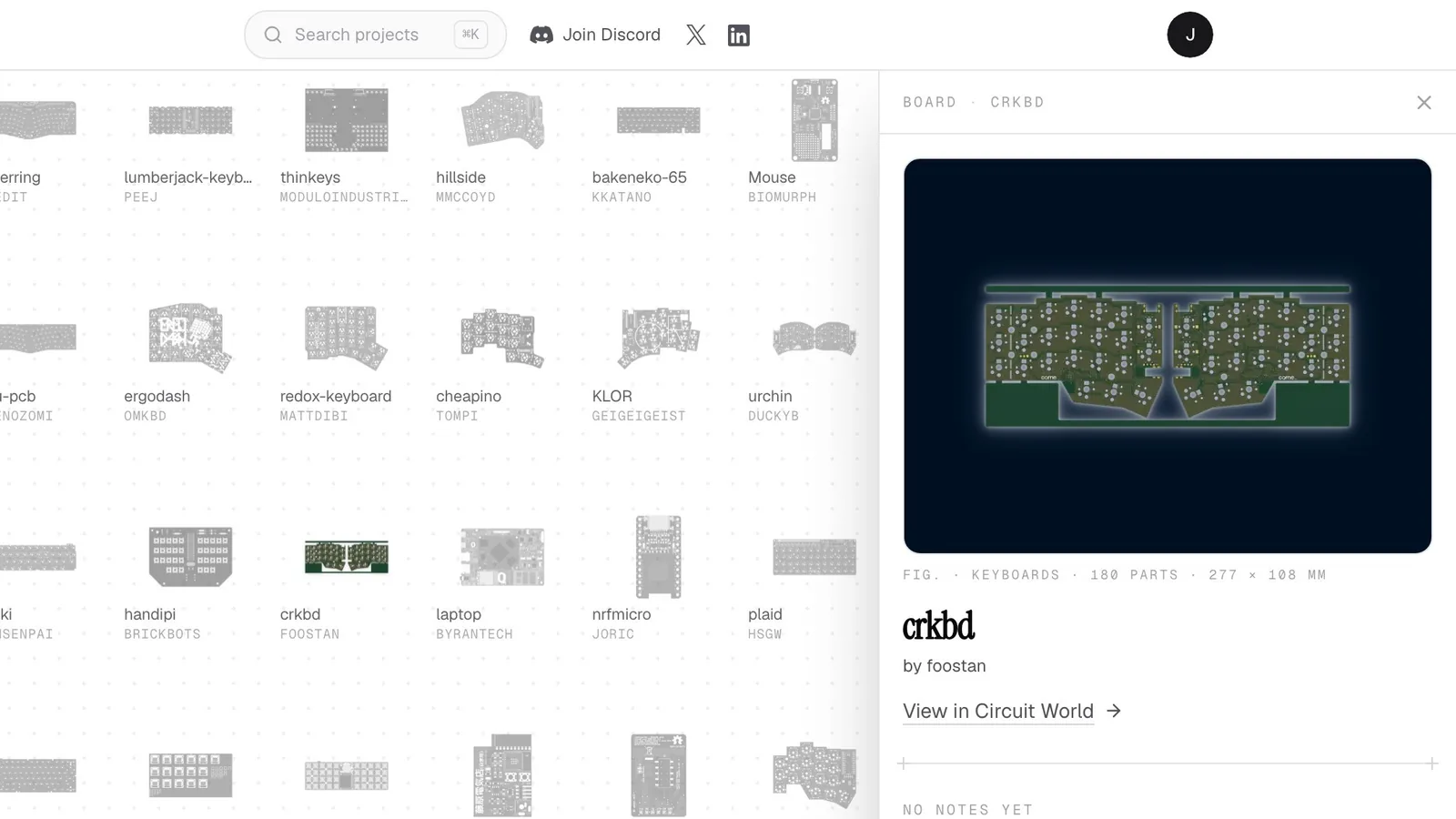
The crkbd keyboard selected in Explore: a side panel shows its PCB, 180 parts, 277 × 108 mm, its builder foostan, and a link to view it in Circuit World.

When you find something interesting, you can go deeper.

Open the project in Circuit World to see its design files, license, parts, nets, dimensions, and source. Download the files, or open the entire board directly in the HeyPCB editor.
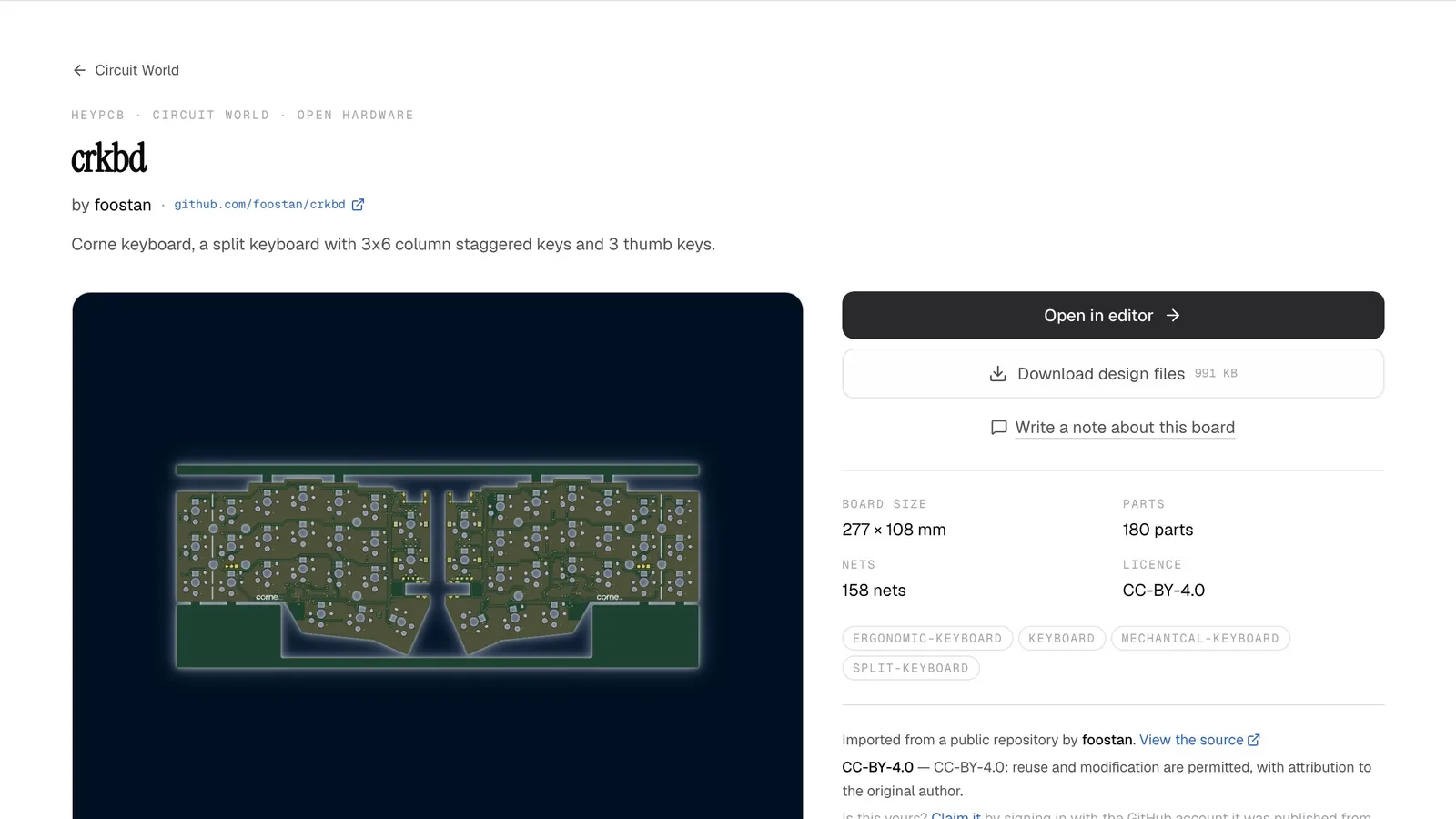
The crkbd page in Circuit World: the board, Open in editor and Download design files buttons, and its size, parts, nets and CC-BY-4.0 licence.

And this is where discovery turns into building.

Once a board is inside HeyPCB, you can actually work with it. Inspect the schematic and PCB, understand how it was designed, modify it, or ask Inky questions about the hardware.
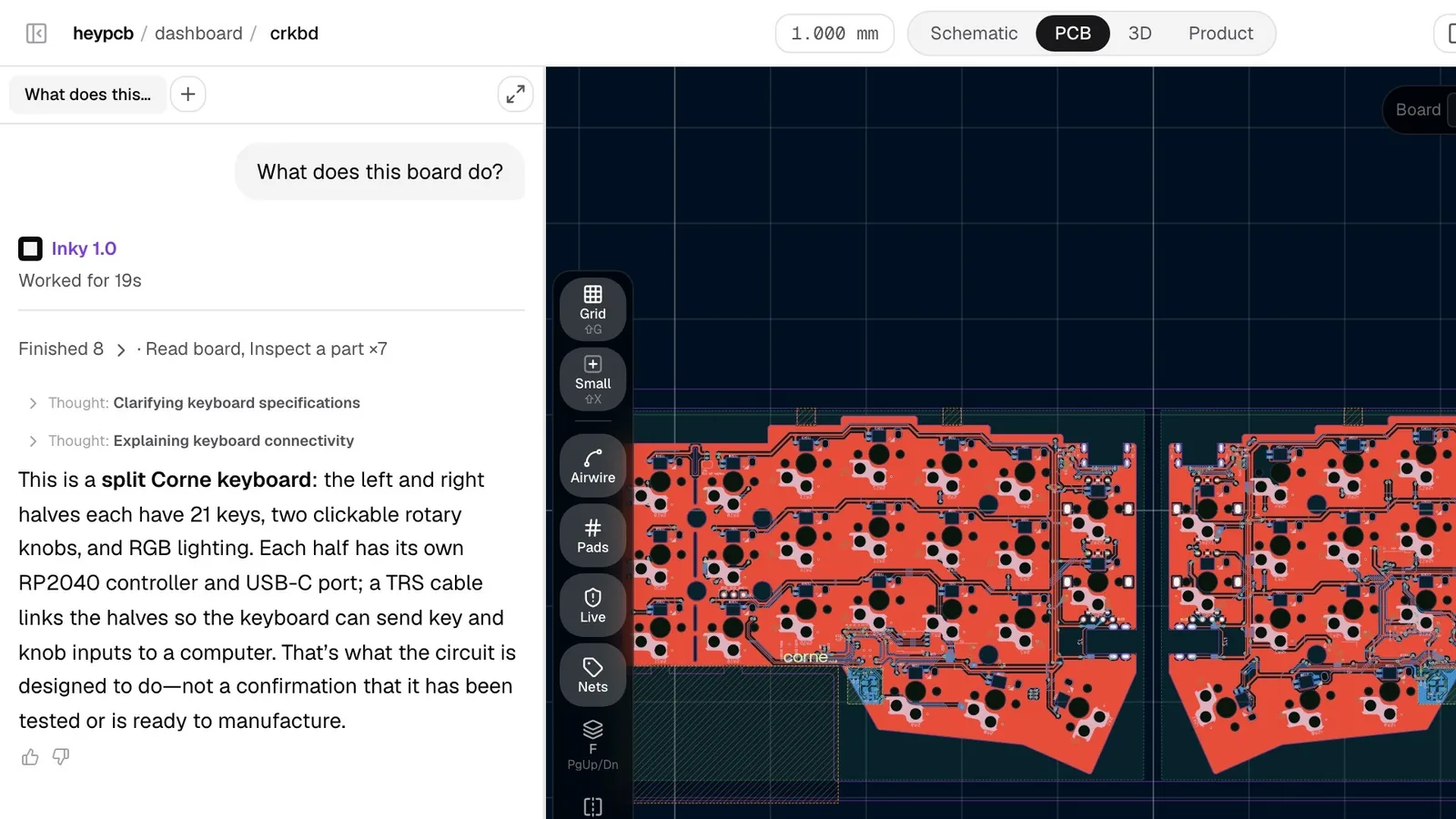
The crkbd open in the heypcb editor: Inky explains it is a split Corne keyboard with 21 keys per half, two rotary knobs and an RP2040 in each half, beside the PCB.

The internet already has an incredible amount of open-source hardware.

We don't think it needs another place to store it.

We want a place where you can discover something interesting, understand how it works, and start building on top of it.

That’s HeyPCB Explore.
heypcb.ai/explore

Topics

  • open-source hardware
  • open-source PCB projects
  • KiCad projects
  • hardware map
  • Circuit World

Share

First published on X

More posts

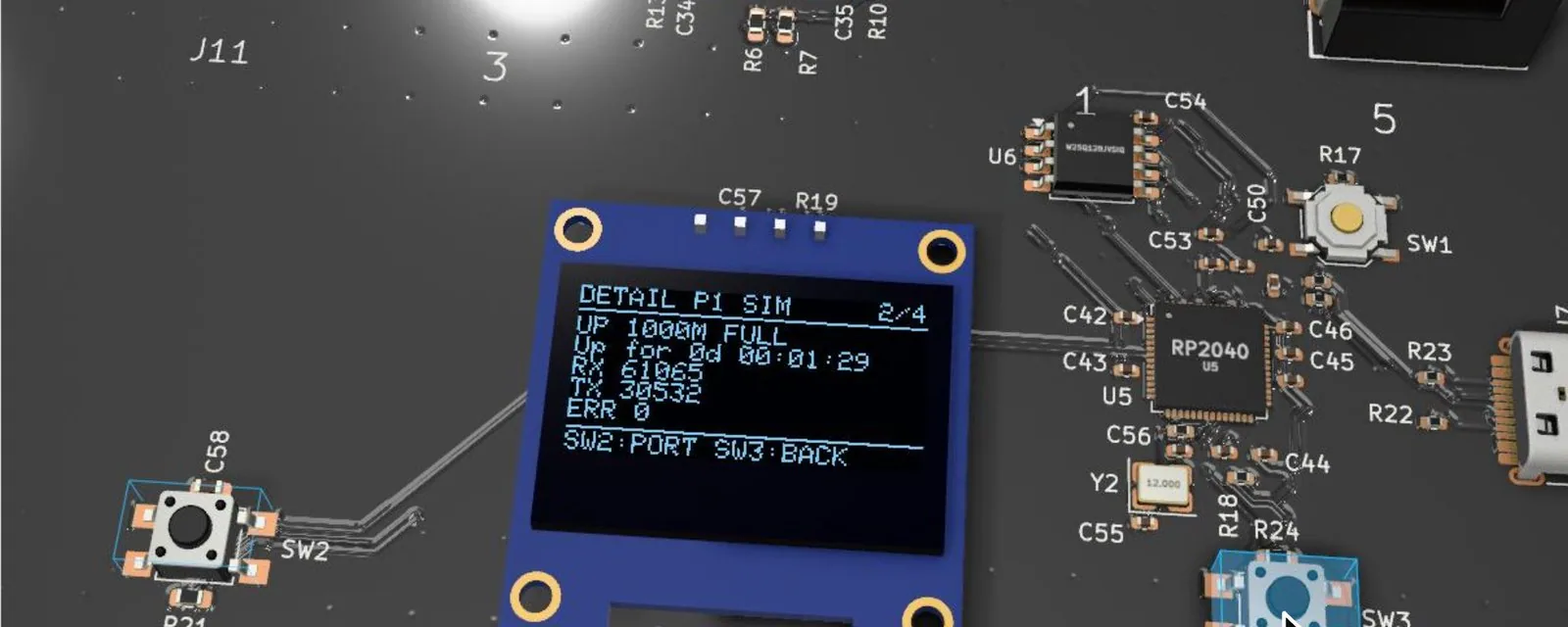
A close-up of the 3D board shows the OLED on port 1 detail beside an RP2040, switches and a USB connector.five-port gigabit switch OLED firmware

See a network switch come alive before it exists

See a five-port gigabit switch's OLED firmware run on its 3D board in the browser, with buttons and a serial console, before it is made.

HeyPCB3 min
HeyPCB Code title beside a black handheld whose screen shows a pixel space shooter.HeyPCB Code

From Prompt to Working Firmware

HeyPCB brings firmware into the browser: design a handheld, then write, simulate, and flash six games for the same board.

HeyPCB1 min
Exploded HeyPCB Memo with an anodised aluminium shell, an all-in-one PCB, battery space, and a five-screw back plate.HeyPCB Memo

We Built Pocket, but Better.

HeyPCB Memo rethinks Pocket as one 52 × 28 mm board in an editable aluminum shell, with open-source PCB, CAD, and firmware to build on.

HeyPCB2 min